

A desk fails quietly. It is rarely too small or too plain in itself; it is usually set up so the things needed most are furthest away, the light is wrong, and every flat surface is already full before work starts. This guide uses a practical starting point: a desk 120 centimetres wide, a budget of £50 to £90 for a first setup, and about 60 minutes to clear, measure and arrange it. The rule behind every section is to keep at least 30 per cent of the surface clear, so a notebook, a mug and a laptop can all be used at once.
Why does a tidy desk still feel hard to work at?
A desk can look tidy in a photograph and still be difficult to use, because tidiness is not the same as order. If the charger is behind a pile of books, the notebook is under a plant pot and the lamp throws light across the screen, work starts with five small adjustments every morning. The photo below shows a desk that avoids that problem: the work area is in front of the chair, the decor is at the edges, and nothing stands between the chair and the keyboard. Sit down and try a normal task before judging a setup; if a pen, a charger or a document has to be moved first, the layout needs changing, not more storage.
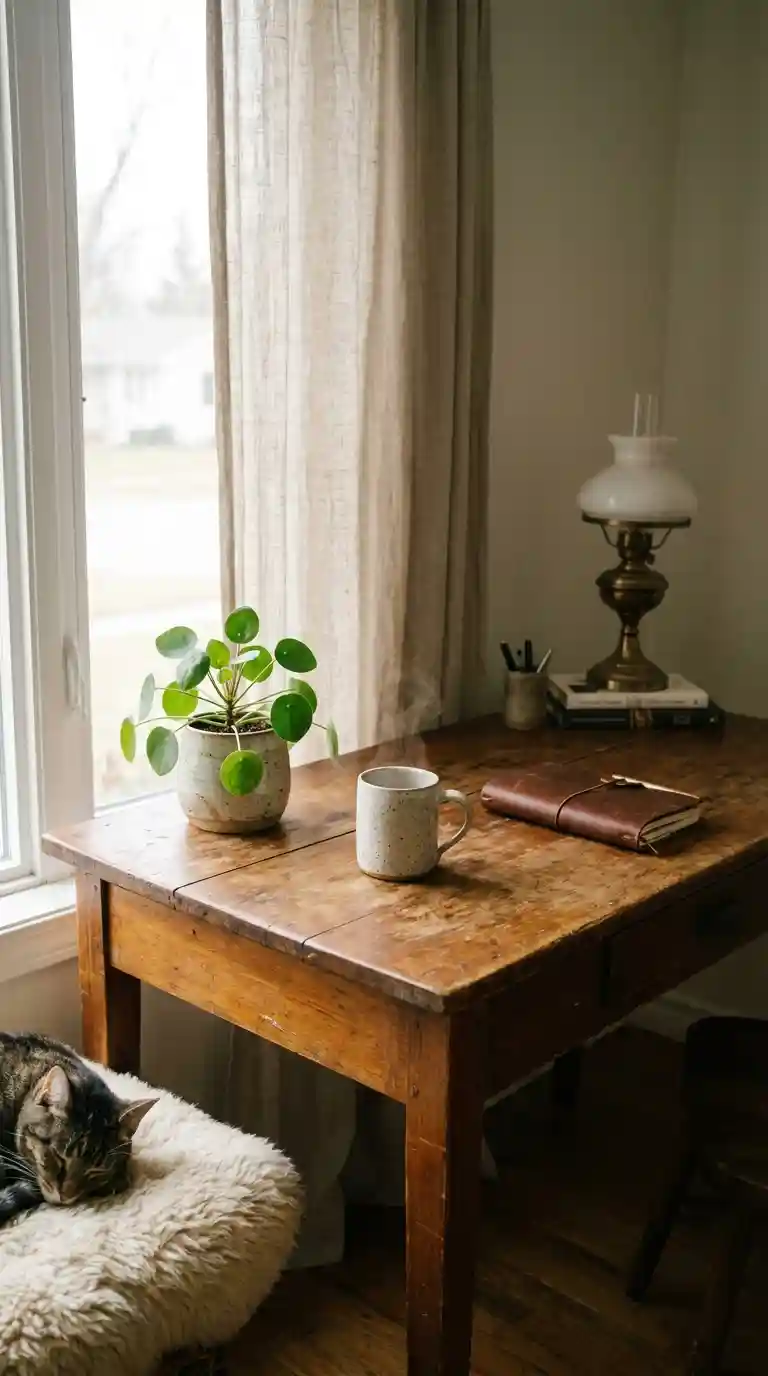
Start by removing everything, then return items in order of use: first the screen or laptop, then the keyboard and mouse, then the one notebook used daily, then lighting. Only after those four are placed should decor be considered. Anything that has not been used in the past month should leave the desk for two weeks; if it is not missed, it does not need a permanent place there.
What colour and material limits keep a desk calm?
Limit the desk to three colours and two or three materials. Warm neutrals, such as soft white, oak and muted grey, are a safe base because they do not compete with a screen, while one accent colour, used on a tray or a pen pot, is enough to give the desk character. More than three colours, or a mix of wood, metal, bright plastic and patterned fabric, creates visual noise that is tiring over a full working day. The photo below shows a restrained palette: the colour comes from a few objects, not from every surface.
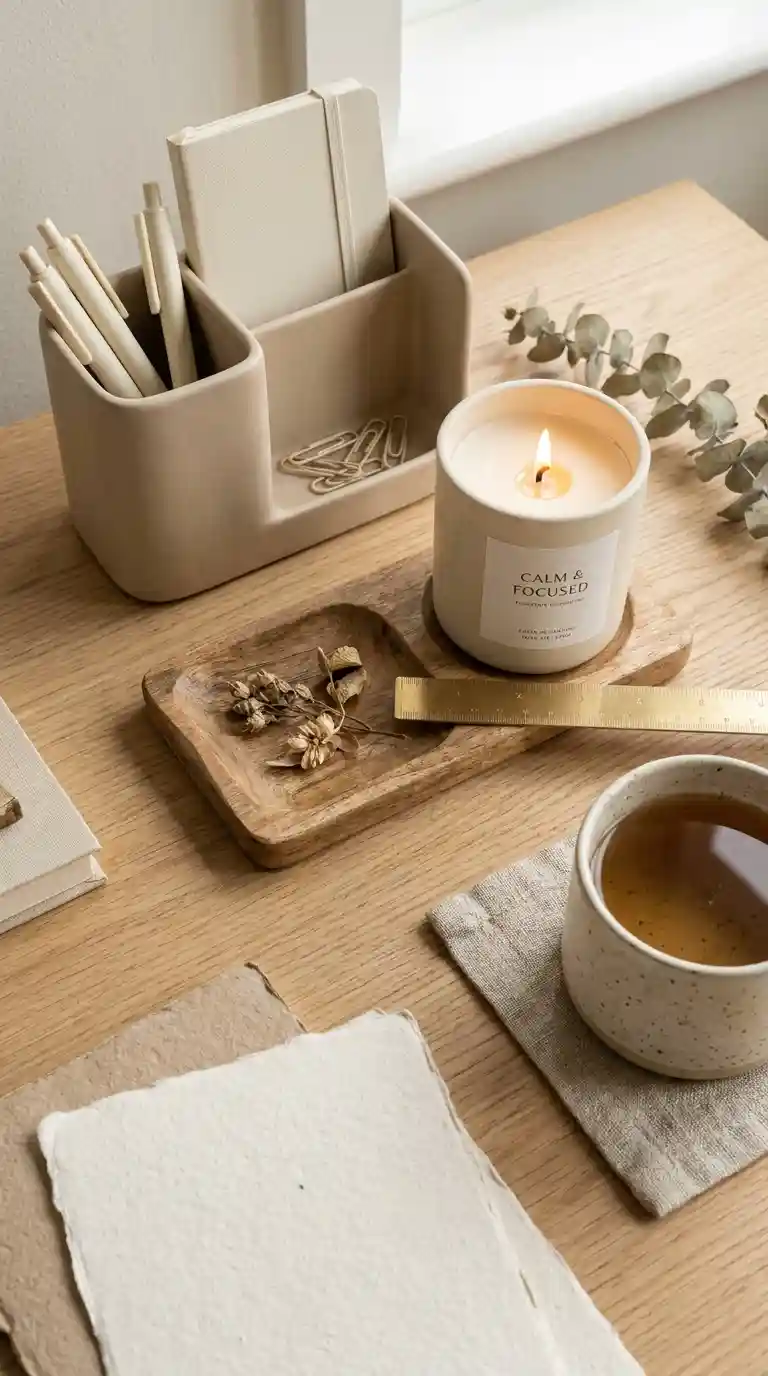
For materials, wood and ceramic suit most desks because they are warm to touch and do not reflect screen light harshly, while brushed metal works as a small accent on a lamp or a tray edge. Avoid a glossy black desk surface if the room is bright, as it shows dust and reflects windows. Before buying, hold a sample against the desk in daylight; colours that match under shop lighting can clash at home, especially with wood tones.
How do you choose lighting that suits video calls and reading?
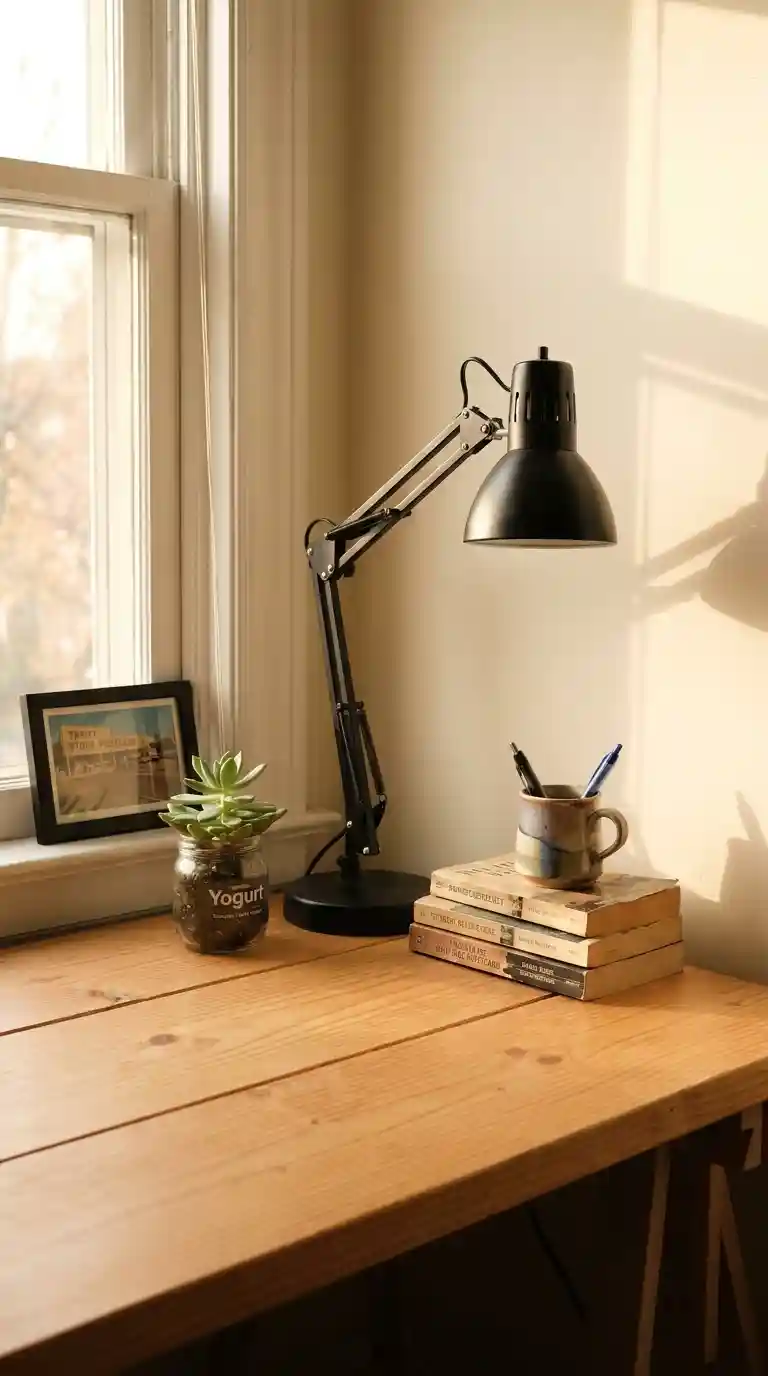
Lighting is a working decision, not just a decorative one. For reading and screen work, aim for a warm-white lamp of about 2700 to 3000 kelvin, placed to the side of the screen rather than behind it, so the screen is not competing with a bright source. The lamp head should sit about 40 centimetres above the desk surface, with the light falling on the work area, not directly into the eyes. If the desk faces a window, position the screen at a right angle to the window where possible; facing the window causes squinting, while having the window behind the screen causes glare.
On video calls, the test is simple: the face should be lit from the front, not from above or behind. A small lamp at screen height, on the opposite side to the main window, usually fixes a dark face without buying a dedicated ring light. Avoid a single overhead light as the only source, because it casts shadows on the work surface and makes the desk feel harsh after a few hours. Two modest sources, a desk lamp plus general room light, are more comfortable than one bright one.
What plants and personal items actually earn a place?
One plant is usually enough for a desk, and it should sit just to the side of the monitor, not in the main work zone. The photo below shows greenery used as a soft edge rather than a centrepiece, which is the right scale for most desks. For low light, a snake plant or pothos in a pot no wider than 15 centimetres is a practical choice, watered only when the top 3 centimetres of soil feel dry. A plant that needs daily attention or grows quickly will soon take over the surface it was meant to soften.
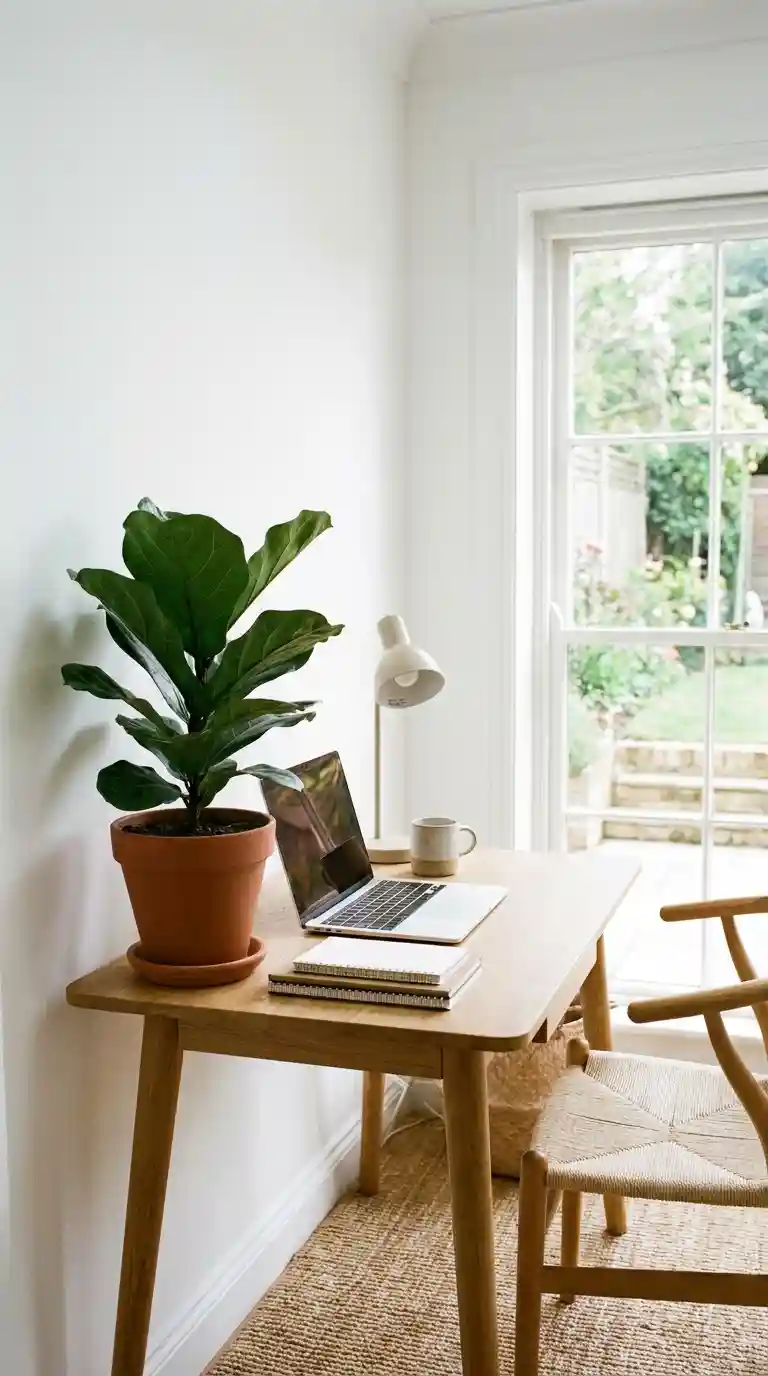
Personal items follow the same limit: one framed photo, one mug in daily use and one small object with a clear meaning, such as a stone or a small sculpture, are enough. Each should be placed at the edge of the desk, not between the keyboard and the screen. A candle is only suitable where it is safe and allowed, and it should never sit beside paper or a laptop charger. If a personal item is moved every time work starts, it is in the wrong place, however much it is liked.
How do you keep cables and paper under control?
Cables should leave the desk surface as soon as possible. Run the charger and monitor cables down the back edge, held by two clips, into a small tray or channel under the desk, so only 15 to 20 centimetres of cable is visible where it connects. A cable that crosses the work area will be moved, snagged and eventually left tangled, however tidy it looks on day one. Choose one charging point for phone, headphones and laptop where possible, rather than three separate chargers spread across the desk.
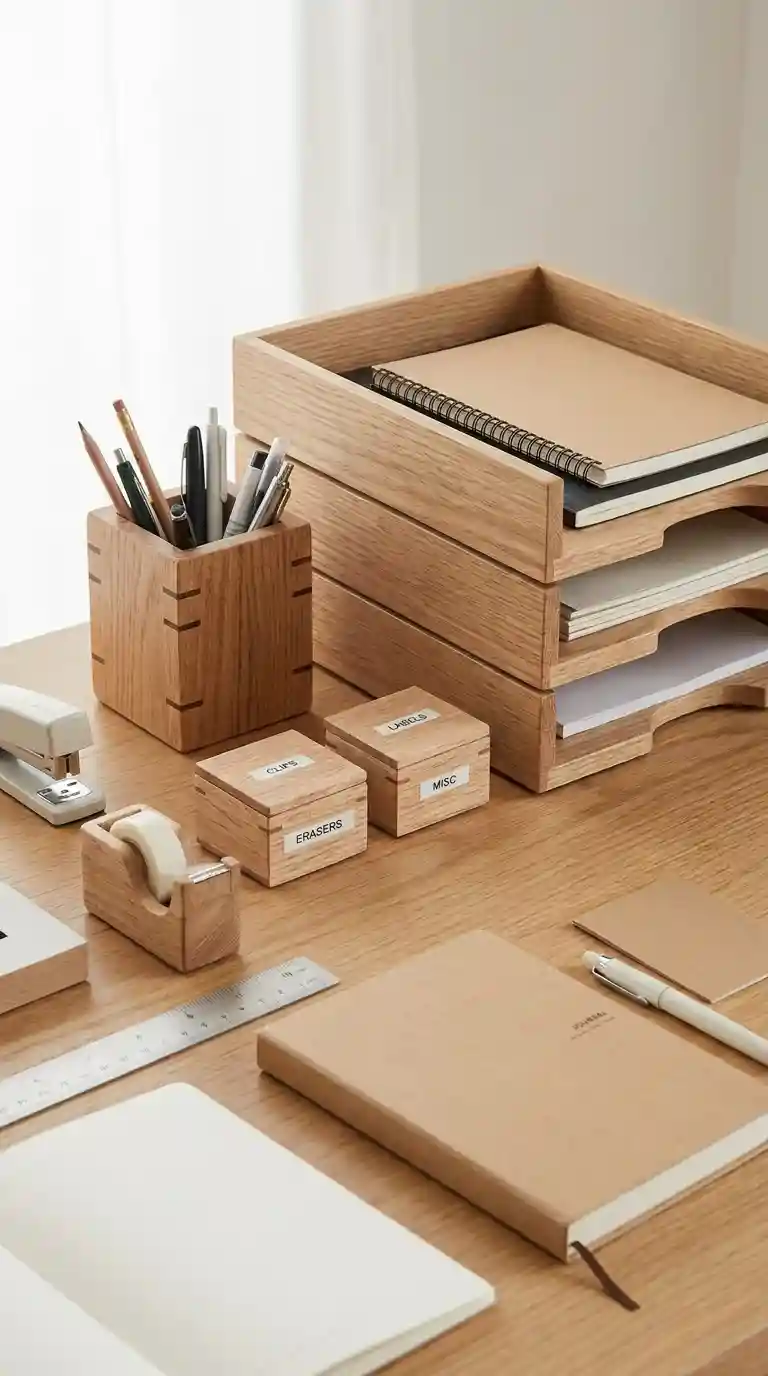
Paper needs a similar rule: one tray for incoming paper, one for current work, and nothing else on the desk. At the end of each working day, spend two minutes returning papers to those trays and clearing the surface, so the next morning starts clear. The same grouping logic helps in other rooms, and kitchen drawer organisation shows how a single divider can stop a drawer, or a desk drawer, becoming a mixed pile. A pen pot with five pens is enough; a pot with twenty pens is storage, not a tool.
How do you fit a working desk into a small corner?
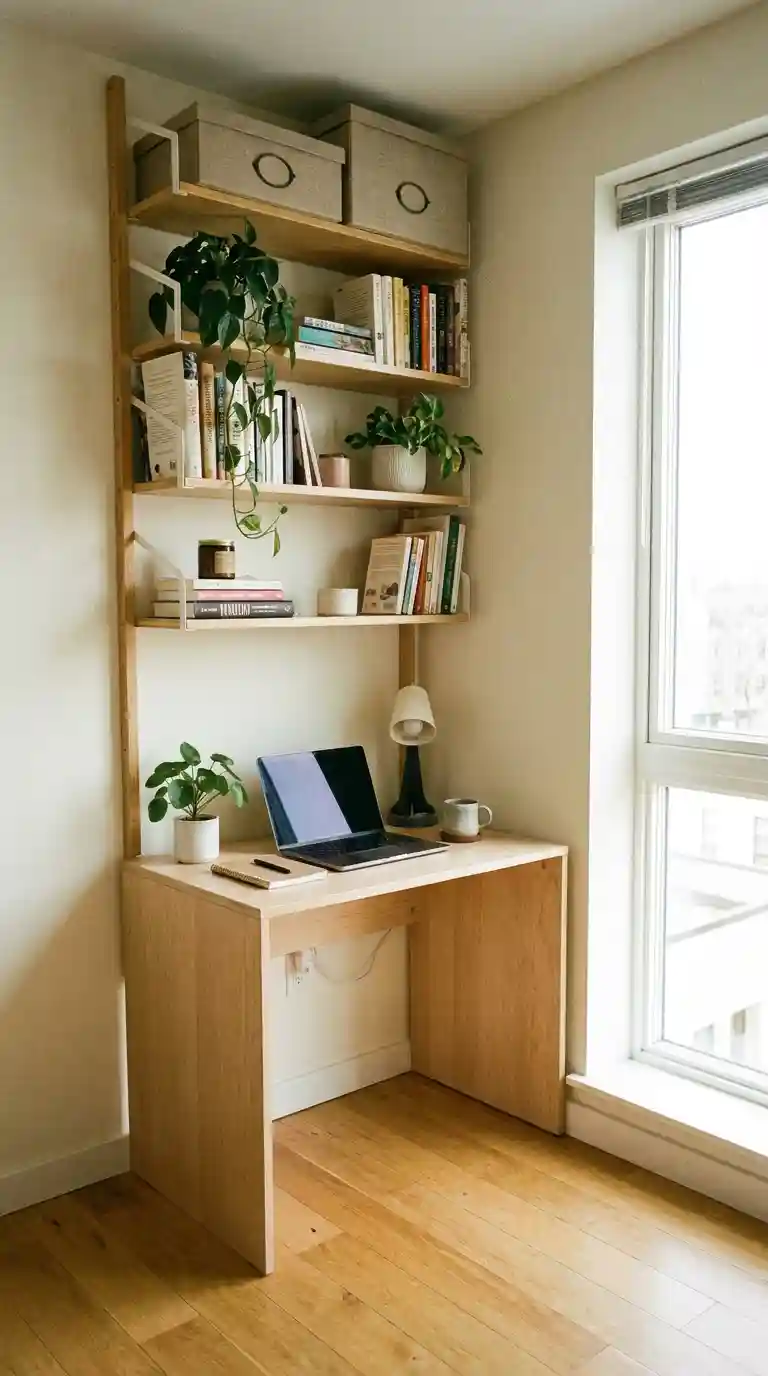
In a small corner, use the wall, not the desk surface, for storage. A shelf 25 centimetres deep above the desk, at eye level when seated, holds books and a plant without taking desk space, while a wall-mounted rail for notes keeps paper off the surface. The photo below shows a compact setup that works because the desk itself stays clear and the vertical space does the storage work. A desk 100 centimetres wide can still work if the monitor is wall-mounted or on a small riser, freeing about 20 centimetres of depth in front of the screen.
For a shared desk, the decision is stricter: each person needs one tray that can be lifted away, so the desk can be reset in under two minutes. Shared desks fail when personal items accumulate, so agree a limit of three personal items per person, all within that tray. A foldaway laptop stand and a portable lamp, rather than a fixed monitor and heavy decor, also make a shared surface easier to hand over. If the desk is in a bedroom, a simple cover or a tray that closes the work away at the end of the day helps separate work from rest.
How much should a first desk setup cost?
A first setup of £50 to £90 is realistic if the desk and chair are already in place. Spend about half on lighting, because a good lamp is used every working day, and the rest on a tray, a pen pot and cable clips. Shopping the home first is the most effective saving: a mug, a small bowl for clips and a book used as a monitor riser can form most of the setup, with only the lamp bought new. Second-hand shops are useful for trays and ceramic pots, where shape and weight matter more than a perfect finish.
Avoid spending the budget evenly across ten small ornaments, which is the most common way to end up with a crowded desk and no clear work area. If a lamp costs more than £45, delay the decorative items for a month and work with the lamp plus existing storage; the desk will feel calmer than a complete set bought in one trip. For seasonal changes, spring table styling is a useful comparison for how a single swap, such as fresh stems or a lighter tray, can refresh a surface without a rebuild. Keep receipts for two weeks and return any item that has not found a clear place after that trial.
What mistakes make a good desk look cluttered?
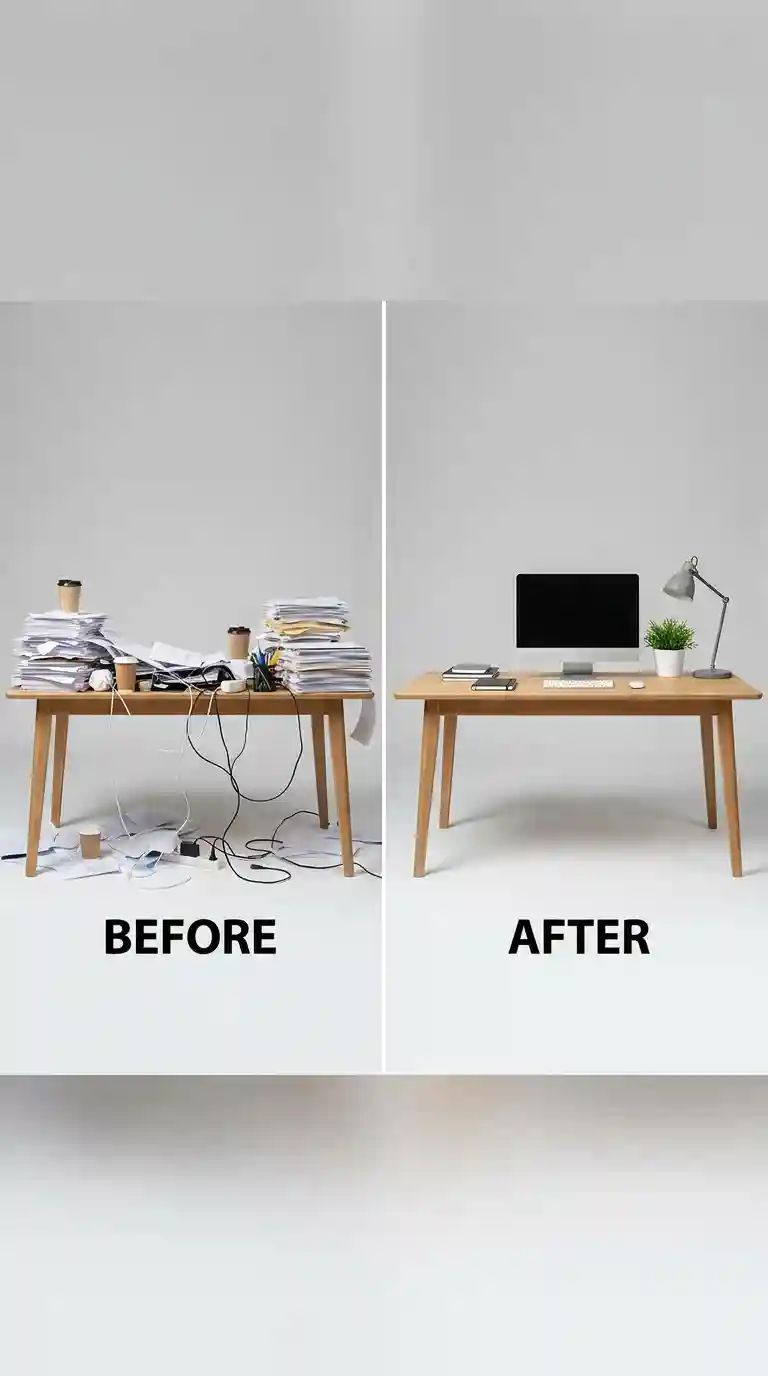
The photo below shows a desk weighed down by too many objects, and the cause is usually the same three mistakes. First, covering more than 70 per cent of the surface, which leaves no place for a notebook. Second, mixing four or more colours or materials, which makes the eye jump between items instead of resting on one work area. Third, treating every flat surface as display space, including the area directly in front of the keyboard, where a mug or a plant will be knocked over.
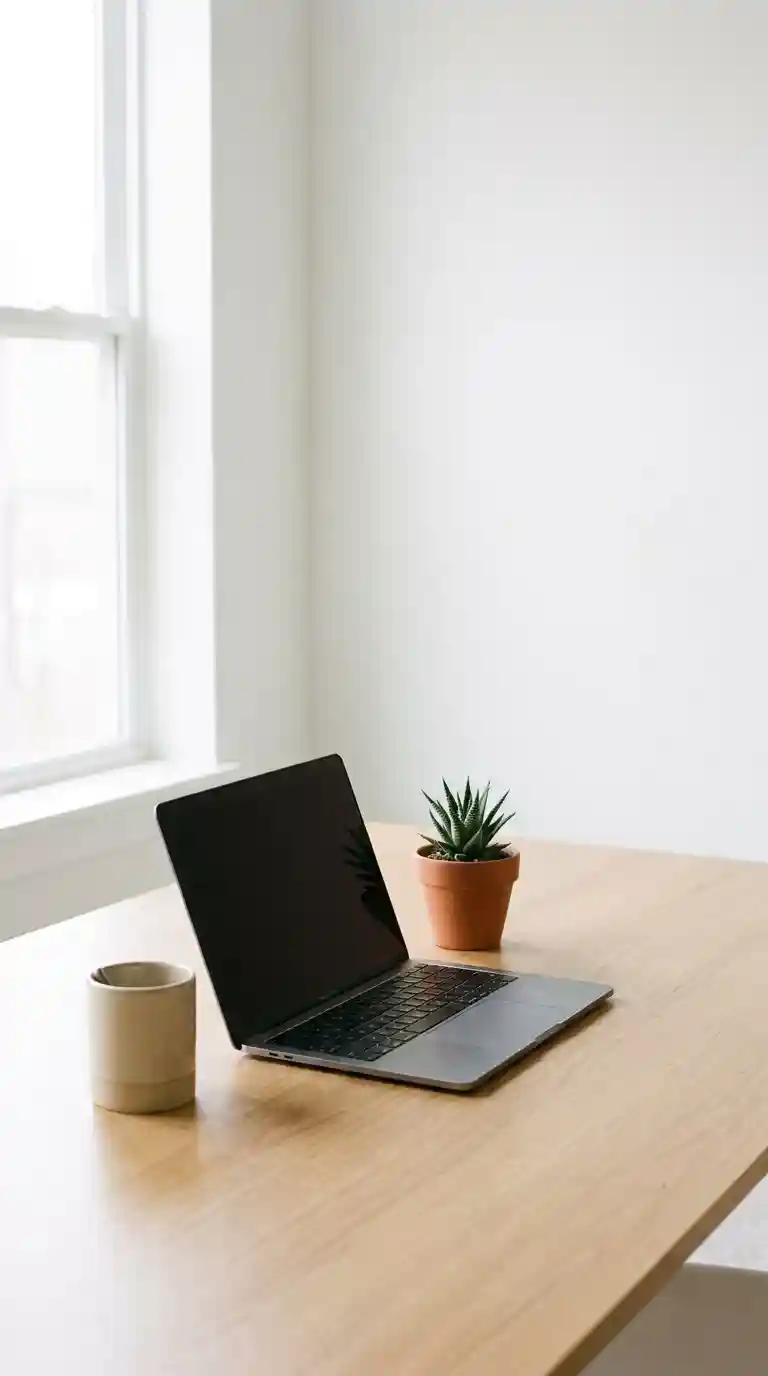
A minimalist test helps before calling a setup finished: remove one item at a time until the desk feels too bare, then put back only the last item removed. The photo below shows that kind of restrained setup, where negative space is deliberate rather than empty. Two further checks help: sit down and open a notebook and a laptop together, and check whether either requires moving decor; and look at the desk from the doorway, where three separate piles will be obvious even if they are not noticed from the chair.
Finally, check the workplace rules before adding anything to a shared or corporate desk: one focal point, such as a small plant or a framed print, plus a tray for personal items, is usually within policy, while candles, strong scents and large displays often are not. A desk that respects those limits still feels personal, and it can be reset for the next user in minutes.
Questions worth asking before you buy anything
How much desk space should stay clear?
At least 30 per cent of the surface should stay clear, so a notebook, a mug and a laptop can be used at once without moving decor.
What is the best lighting for a desk?
A warm-white lamp of about 2700 to 3000 kelvin, placed to the side of the screen at about 40 centimetres above the desk, with general room light as a second source.
Which plants survive on a desk with little light?
A snake plant or pothos in a pot no wider than 15 centimetres suits low light, watered only when the top 3 centimetres of soil feel dry.
How much should a first desk setup cost?
A first setup of £50 to £90 is realistic if the desk and chair are already in place, with about half spent on lighting and the rest on a tray, a pen pot and cable clips.
How do you decorate a shared or corporate desk?
Check the workplace rules first, then limit personal items to one tray that can be lifted away, with one focal point such as a small plant or a framed print.
Start with the lamp, one tray and one plant, and live with that setup for two weeks. If an item is moved every time work starts, it does not belong on the desk.





8 Comments on “How to Set Up a Desk You Actually Want to Sit At”